

BYMTECH AI EXPERIENCE LAB
Try the idea.
Understand the possibility.
Explore image-to-3D workflows, image editing, camera-based detection and interactive relighting through prepared demonstrations.
AI IMAGE → 3D · WORKFLOW PREVIEW
From an image.
Into three dimensions.
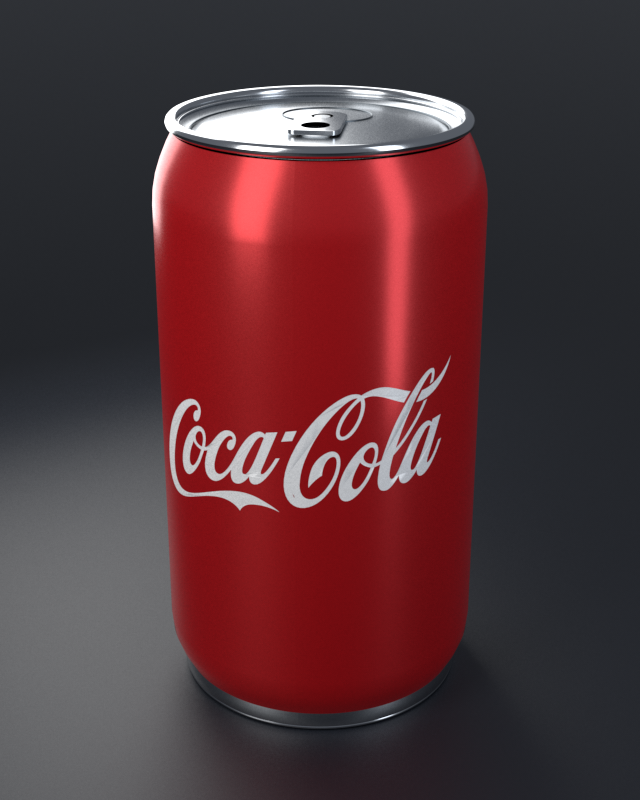
Start with a product image, then explore the possibilities of AI-assisted 3D creation. Compare the reference image with the prepared model. Rotate, tilt and zoom to inspect it from every angle.
3D MODEL · INTERACTIVE PREVIEWCola can
LOADINGPreparing the 3D model…
Drag to rotate & tilt · Scroll or pinch to zoom
Prepared workflow illustration: the image is an illustrative reference and the 3D model was authored for this demo. This sample does not demonstrate an actual AI reconstruction. Coca-Cola branding belongs to its respective owner.
FOR CUSTOM FIGURINES & 3D PRINTING
The right file.
For your next step.
Selling personalised models, collectible dolls, or printed miniatures? Plan the handoff around the software your team uses. These are common production export options; the final formats depend on the tools and deliverables agreed for your project.
| File type | Best for | Open with |
|---|---|---|
STL.stl | Preparing a 3D printSurface geometry for slicing. No colour or textures; confirm the model’s size before printing. | PrusaSlicer Bambu Studio |
3MF.3mf | A print project with more contextCan include multiple parts, units, and print settings. Slicer-specific settings may not transfer between apps. | PrusaSlicer Bambu Studio |
OBJ.obj + .mtl | Editing and textured model handoffSupply the material file and texture images together with the mesh. Slicers may ignore texture information. | Blender PrusaSlicer (geometry only) |
GLB / glTF.glb / .gltf | Online product previewsTextured 3D assets for compatible web viewers. GLB can package the mesh and textures into one file. | Blender Compatible glTF web viewers |
Blender.blend | Continuing the design workA native editable project when the model is prepared in Blender. Agree source files and included assets at the start. | Blender |
FROM APPROVAL TO PRINT
A good render is the starting point.
Check a closed mesh with no holes, the final dimensions, wall thickness, and any delicate details. Then prepare supports and slice for the chosen printer and material before a test print.
The slicer creates the printer’s job file, such as G-code for many filament printers or a printer-specific resin file. The correct output depends on the machine.
Format references: PrusaSlicer · Bambu Studio · Blender
IMAGE STUDIO
Generate, expand,
and refine.
See a sample prompt with its generated image, then explore a separate example of expanding a product photo.
SAMPLE PROMPT
“A modern precision manufacturing lab in Malaysia at sunset, with a red robotic inspection arm, stainless-steel workbenches and a warm city skyline.”
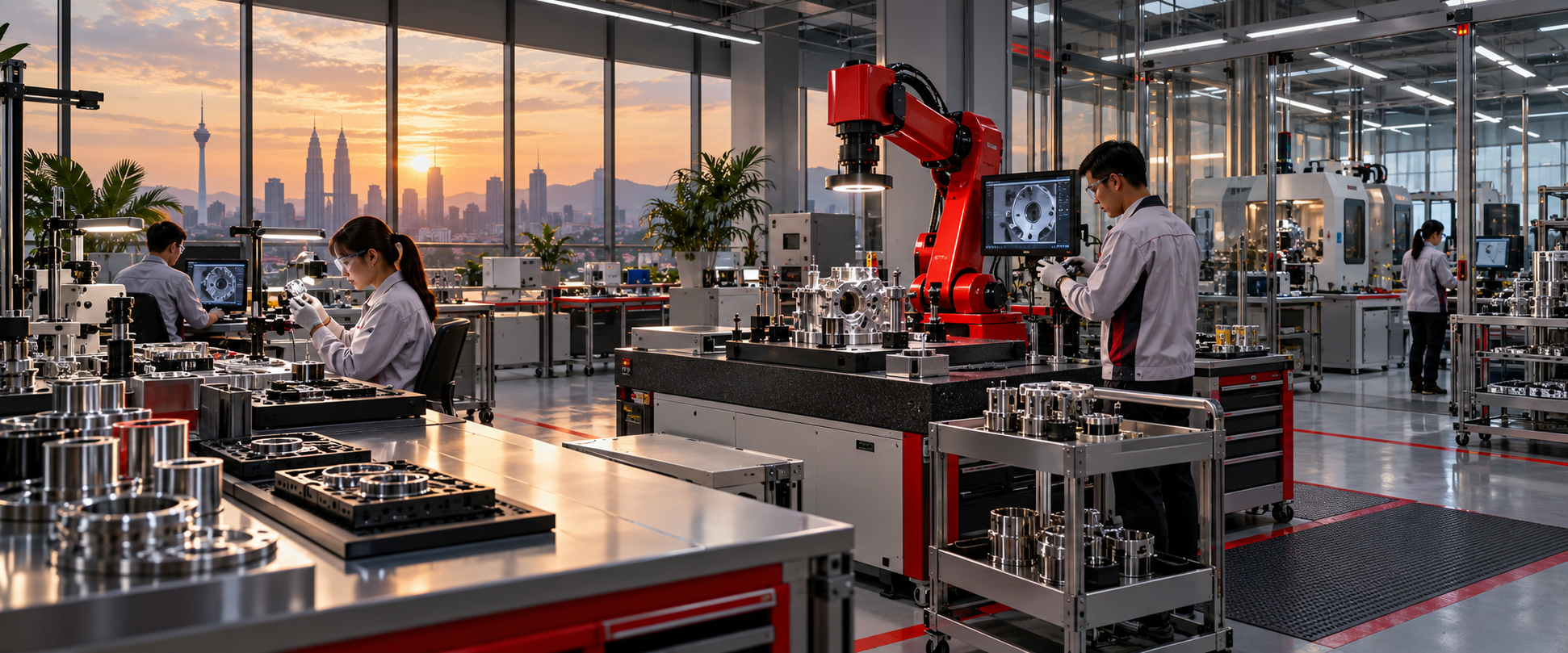
An already-generated example. This demo does not submit prompts or generate new images.
SAMPLE EXPANSION PROMPT
“Extend this product photo into a wide workspace. Keep the red mug unchanged and match the natural light, perspective and shadows.”
 Original cropExpanded
Prepared crop-to-wide comparison using a separate image.
COMPUTER VISION · REAL MODEL OUTPUT
Real image.
Measured results.
A real photograph, analysed locally with YOLOX-S. Compare the original with the saved detections and see how recognised objects become a count.

3 objects detected
YOLOX-S · 35.9 MB model
Detected objectsConfidence
- 1Keyboard95.4%
- 2Mouse92.1%
- 3Cup88.6%
- Keyboard1
- Mouse1
- Cup1
The original photograph with every detection box hidden. Switch back to Detections to compare the model’s results.
All detections at or above 50% confidence are shown. Scores are the model’s confidence, not a guarantee of accuracy.
About this result
Produced with YOLOX-S through OpenCV on a local CPU. Box positions, class names and confidence scores come directly from that run. The page displays the saved output and does not run inference on your device.
Model sourceDetection data ↗Photo licenceThis photograph demonstrates detection and counting. Motion tracking requires video and is not shown in this still-image example. No uploads or camera access are required.
AI PHOTO RELIGHTING
Real portrait.
Different light.
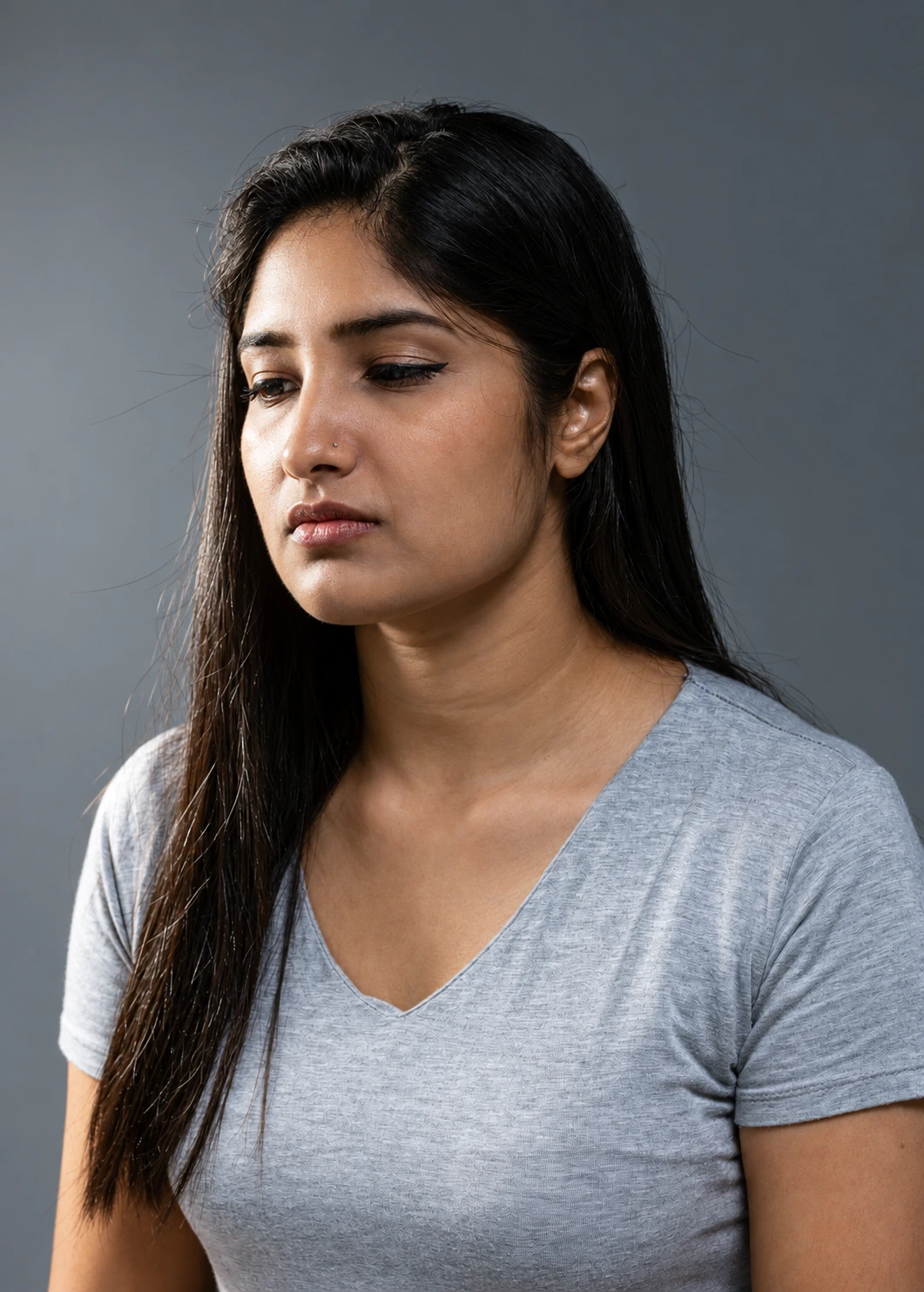
One real photograph, edited with AI to explore three lighting setups. Compare each saved result with the original photo.
LIGHTING COMPARISON
Choose a lighting setup.
Choose left, right or above. You can also drag towards those areas of the portrait to switch between the saved results.
Loading the lighting examples…
EDIT PROMPT
“Relight this photograph with a soft studio light from camera left. Preserve the person, expression, pose, clothing, background and framing.”
Real source photograph with saved AI-generated lighting edits. No live camera, visitor uploads or live generation.
About these examples
Each lighting version was created by an image-editing AI model from the same licensed photograph. The controls switch between those finished images. They do not calculate new lighting angles or run a model in your browser. AI edits can change small details; compare with the original to inspect the result.
View original photograph ↗Photo licence
MORE AI TOOLS
Small demonstrations.
Useful starting points.
Select a tool to see the type of structured output it could prepare for a business workflow.
PREPARED OUTPUT
Invoice fields ready for review
- Supplier
- Example Parts Sdn. Bhd.
- Invoice date
- 18 Sep 2026
- Total
- RM 4,280.00
- Review
- 1 field needs checking
FROM DEMONSTRATION TO WORKFLOW
Have an AI tool in mind?
Describe the problem, the people using it, and what a useful result should look like. BYMTECH can assess the workflow, data, permissions, and integration needed.